
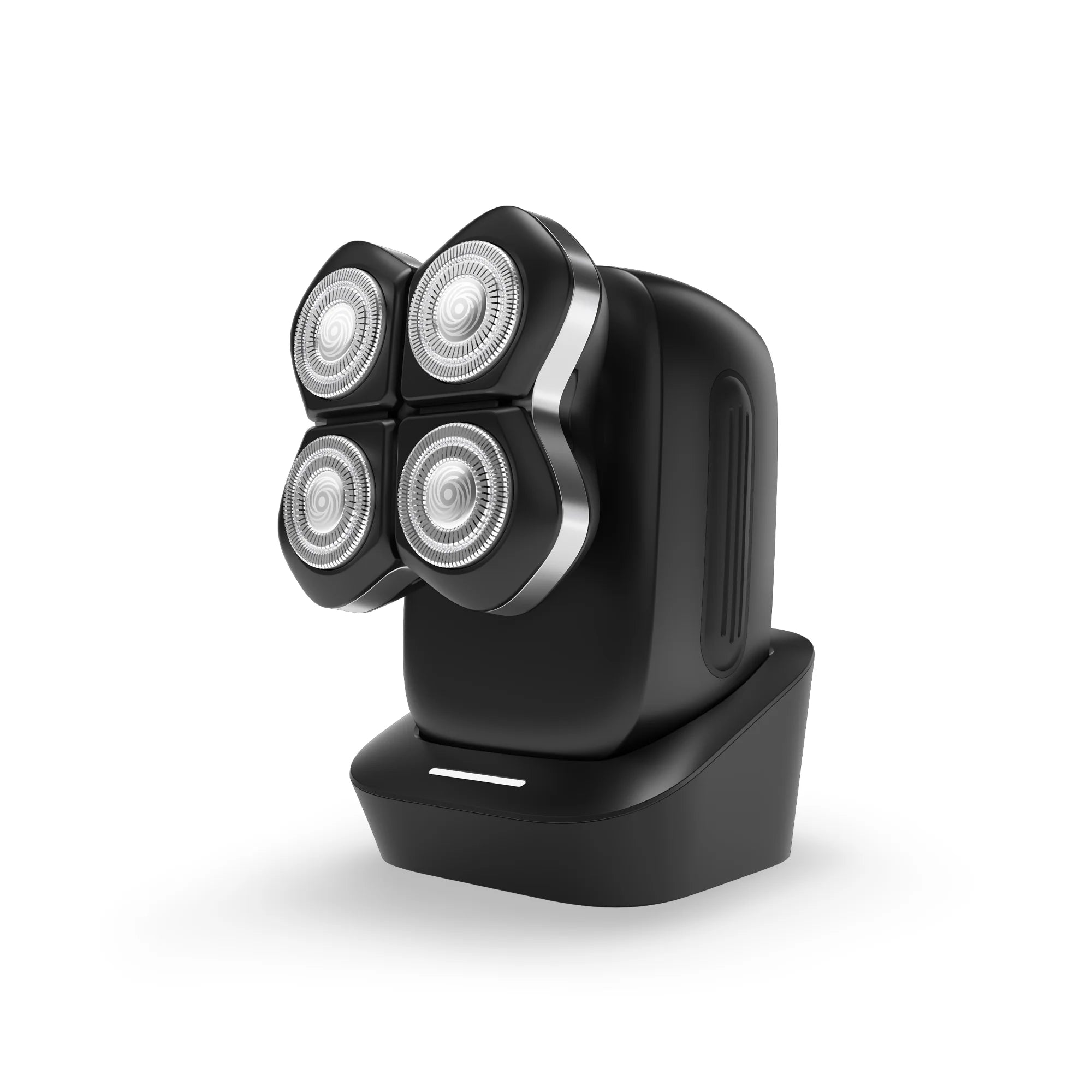
Why a Dedicated Charging Dock Helps
A charging dock does more than power up your trimmer. It keeps your grooming station organized and your FlexSeries® Pro always ready when you need it. Instead of hunting for a cable or dealing with a cluttered counter, the dock gives your trimmer a dedicated home.
The FlexSeries® Pro Charging Dock is designed to hold your trimmer securely while it charges, so you can grab it and go without fumbling with connectors.
Setting Up Your Charging Dock
Place the dock on a flat, dry surface near an electrical outlet. The dock itself requires no assembly. Connect the charging cable (the one that came with your trimmer or a compatible USB cable) to the dock's input port, then plug the other end into a power source.
Once powered, the dock is ready. There is no pairing or configuration needed. Simply set your FlexSeries® Pro trimmer onto the dock. The contacts align automatically, and charging begins.
Using the Dock Day to Day
After each use, rinse and dry your trimmer's head according to the trimmer's care instructions. Then place it back on the dock. This habit ensures the trimmer is always charged and ready for your next grooming session.
The dock also helps reduce wear on the charging port by eliminating the need to plug and unplug a cable each time. Over time, this can extend the life of both the trimmer and its cable.
What the FlexSeries® Pro Charging Dock Offers
- FlexSeries® Pro Charging Dock: Keep your shaving station neat and your FlexSeries® Pro always ready with our sleek charging dock. The dock is designed for convenience and organization, not just charging. It reduces clutter and keeps your trimmer accessible.

FlexSeries® Pro Charging Dock - FlexSeries® Pro Charging Dock: Say goodbye to clutter and hello to convenience. A dedicated dock simplifies your daily grooming routine by giving the trimmer a consistent, tidy home.
Tips for Best Results
Keep the dock's charging contacts clean. Wipe them with a dry cloth occasionally to ensure a good connection. Avoid exposing the dock to water or placing it in a damp bathroom cabinet.
If the trimmer does not charge when placed on the dock, check that the dock is plugged in and that the trimmer's contacts are clean. The dock works with the FlexSeries® Pro trimmer only; it is not compatible with other models.

